 SOLHUN
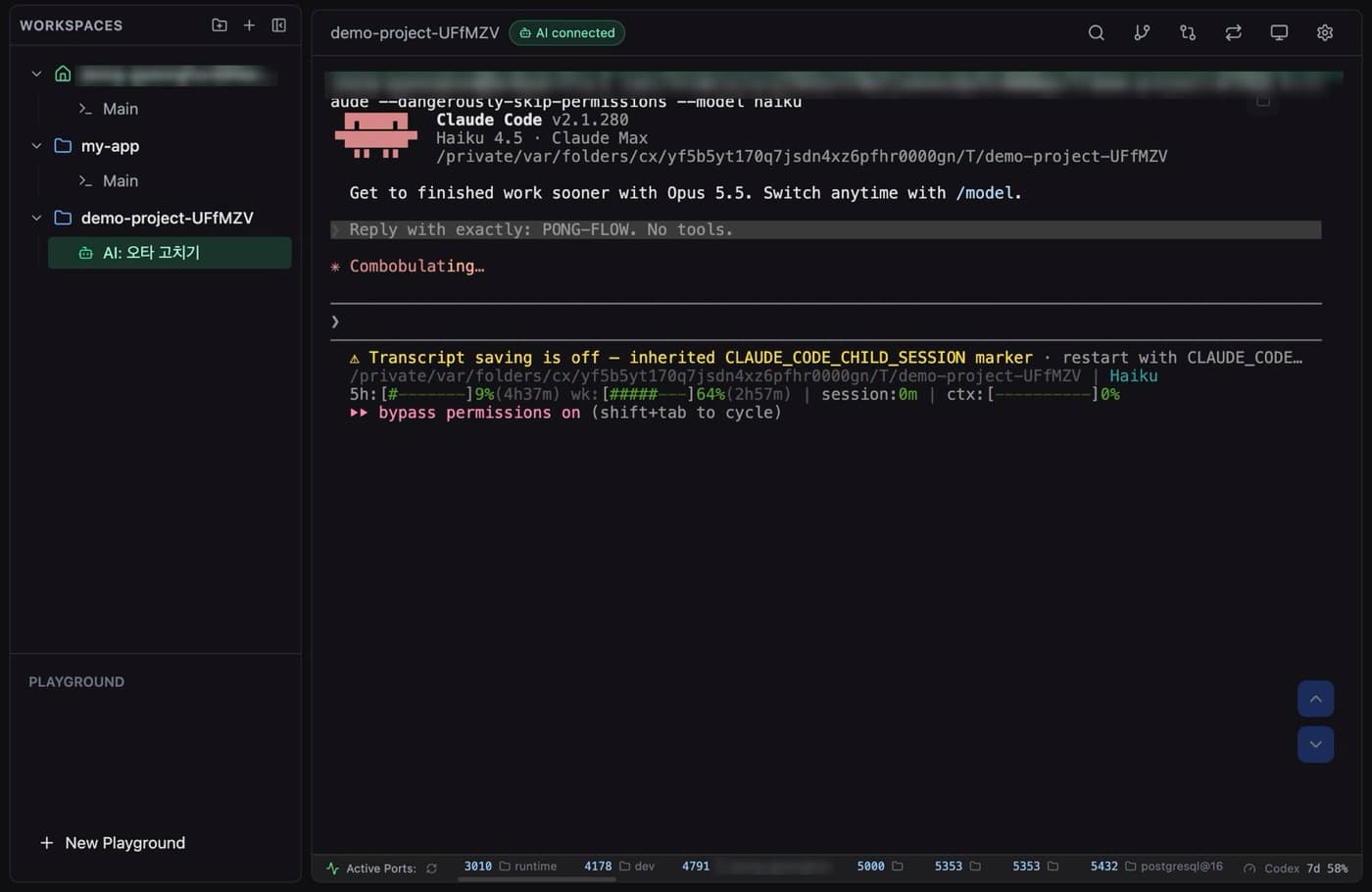
A desktop app to run and organize multiple AI coding agents (CLIs) from one screen
It started with my own mess: ten terminals open and no idea which was which. Since its first release in December 2025, it has shipped more than 60 releases as a public product. I did the planning, development, releases, landing page and marketing alone — it launched as a paid app, earned its first revenue, then went open source.
What people said
I picked this up today and am obsessed!!
What I learned
The cheapest QA
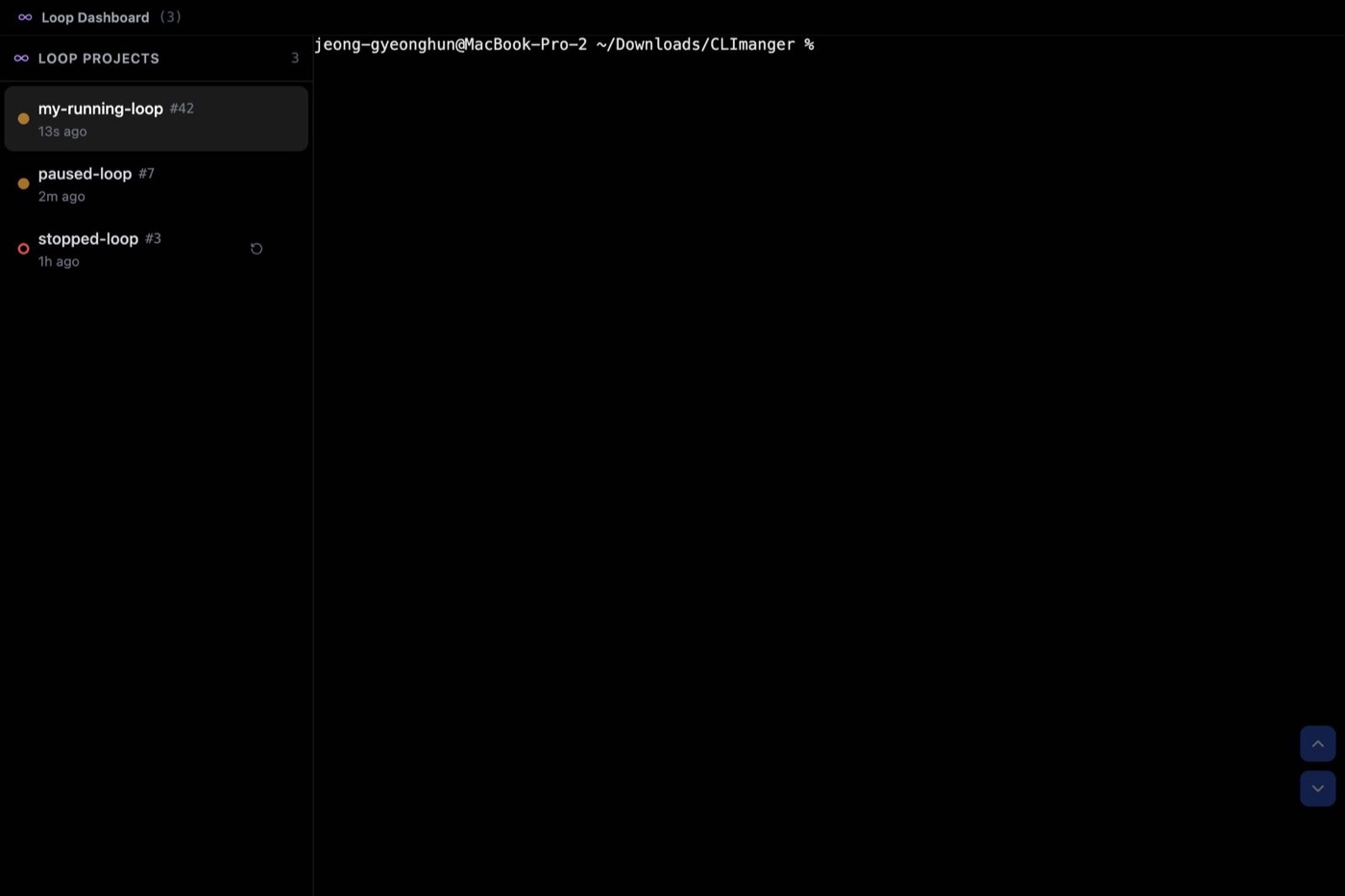
Instead of letting AI work out of sight, I had it work inside the screen I watch, and the center of the design moved from the API to visibility (colors, badges). Both bugs caught after release were about how things looked, too. Using it every day myself was the cheapest QA.
My part
- 1
Plan · build
I planned and built this macOS app (Electron) on my own to keep all my terminals in one place.
- 2
Releases
Over 60 releases since the first one in December 2025. It started as a paid app and later went open source.
- 3
Getting the word out
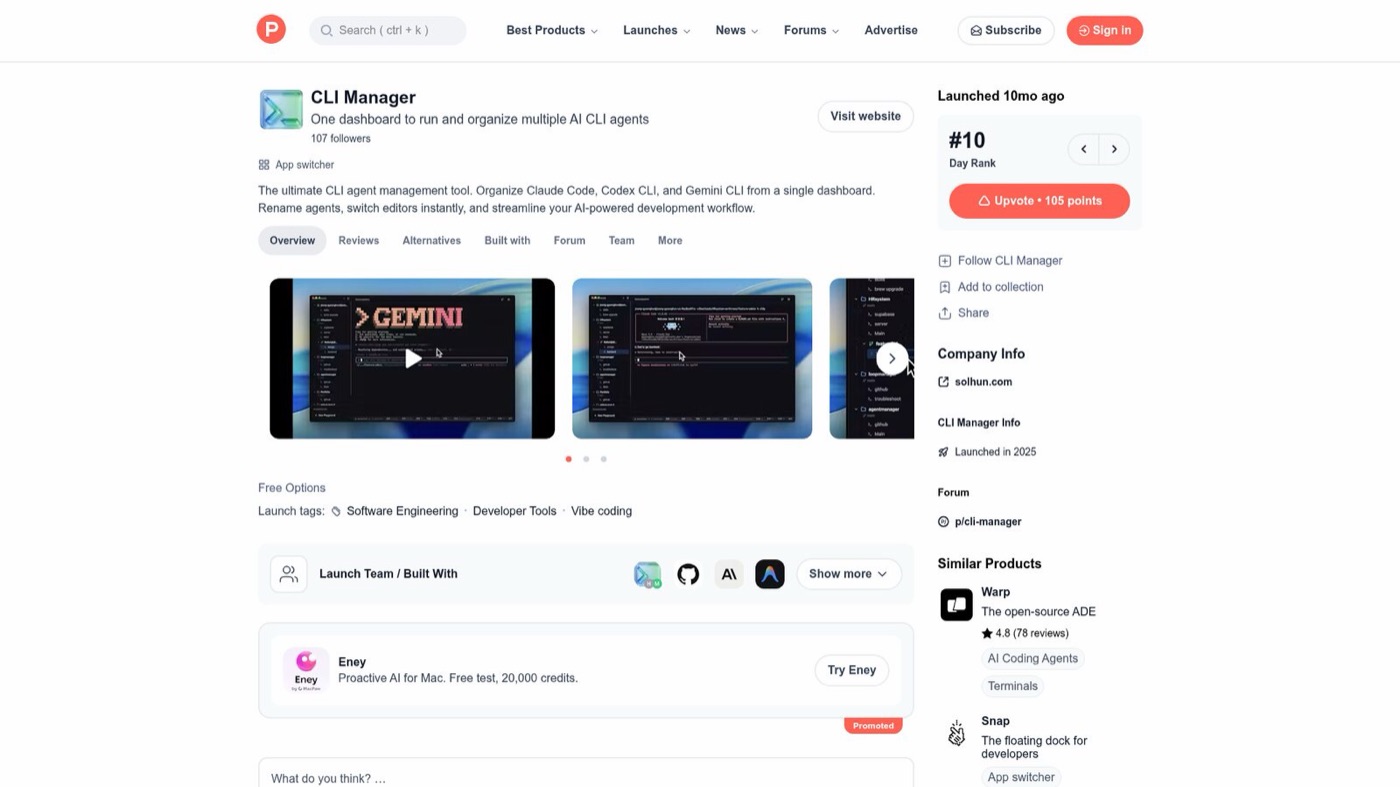
I made the landing page and introduced it on Product Hunt and Reddit myself.
Specials — what I changed
- 1
v1.9 – v1.10 · Sep 2026
AI Control API
BeforeWith non-interactive runs, you only find out an AI went off track once it’s done
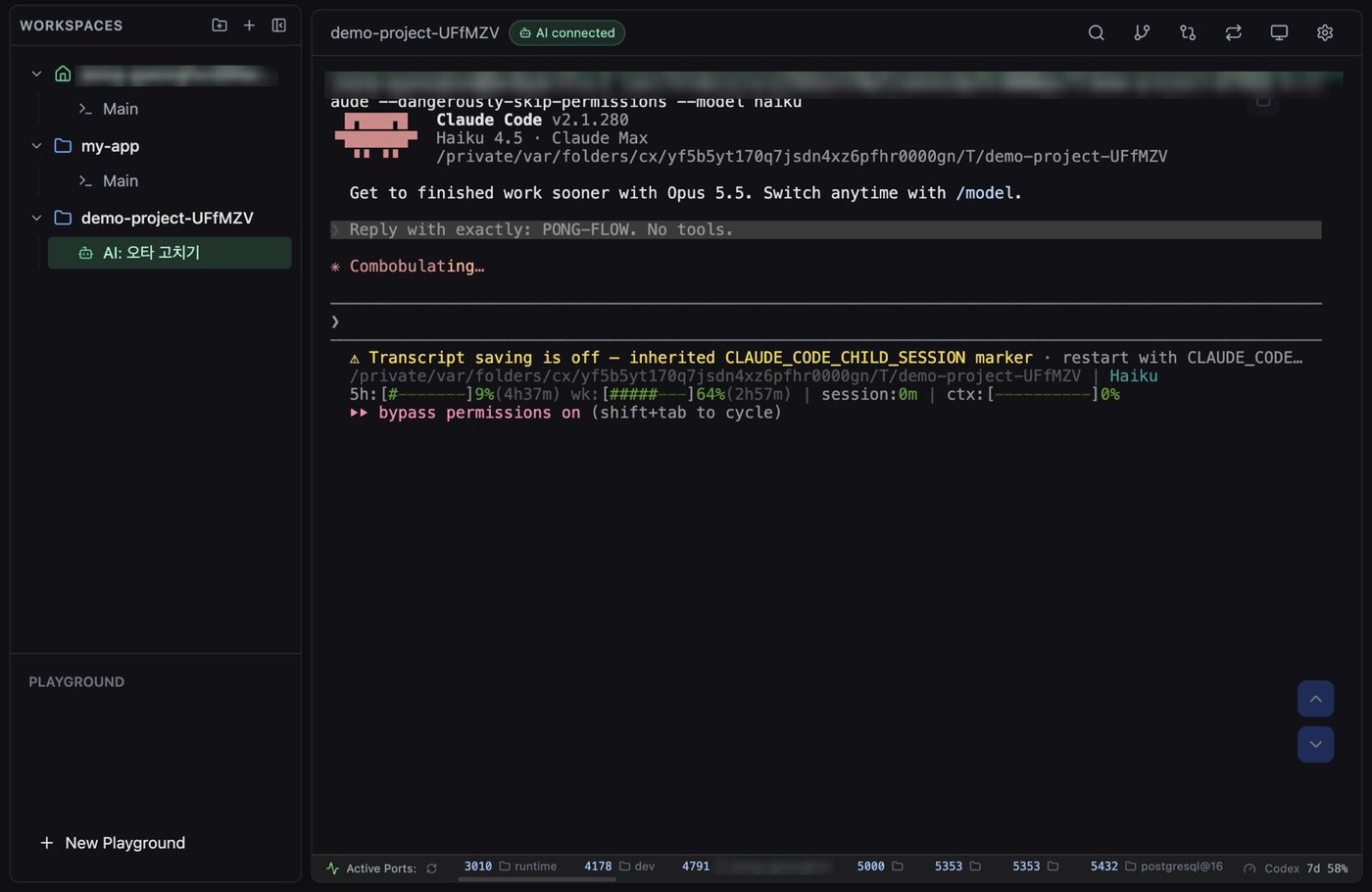
AfterIn v1.9 (Sep 23, 2026), a local API lets another AI open sessions and work inside CLI Manager. AI input flows through the same path as a person’s typing, so you can watch an AI session (in green) on screen and step in at any time. I also added a CLI that works without MCP, and since v1.10 (Sep 29, 2026) the AI also reads the notes on those sessions.

About CLI Manager
- When
- Nov 2025 – present
- Role
- Solo maker
- Platform
- macOS (Electron)
- License
- MIT, open source
- Links
- Website ↗ · GitHub ↗ · Product Hunt ↗